

Download Opera – web browser, free browser, fast browsing, torrent download, news reader, cloud sync, privacy, mobile browser
Overview
Opera is a free and versatile web browser designed to deliver a fast, secure, and feature-rich browsing experience across mobile platforms. Built on the Chromium engine, Opera combines the reliability of a well-established browser foundation with a suite of unique tools tailored for modern internet users. The app serves as a comprehensive digital gateway, enabling users to access websites, manage online communications, and streamline daily browsing tasks. It is particularly suited for individuals who value speed, privacy, and productivity while navigating the web.
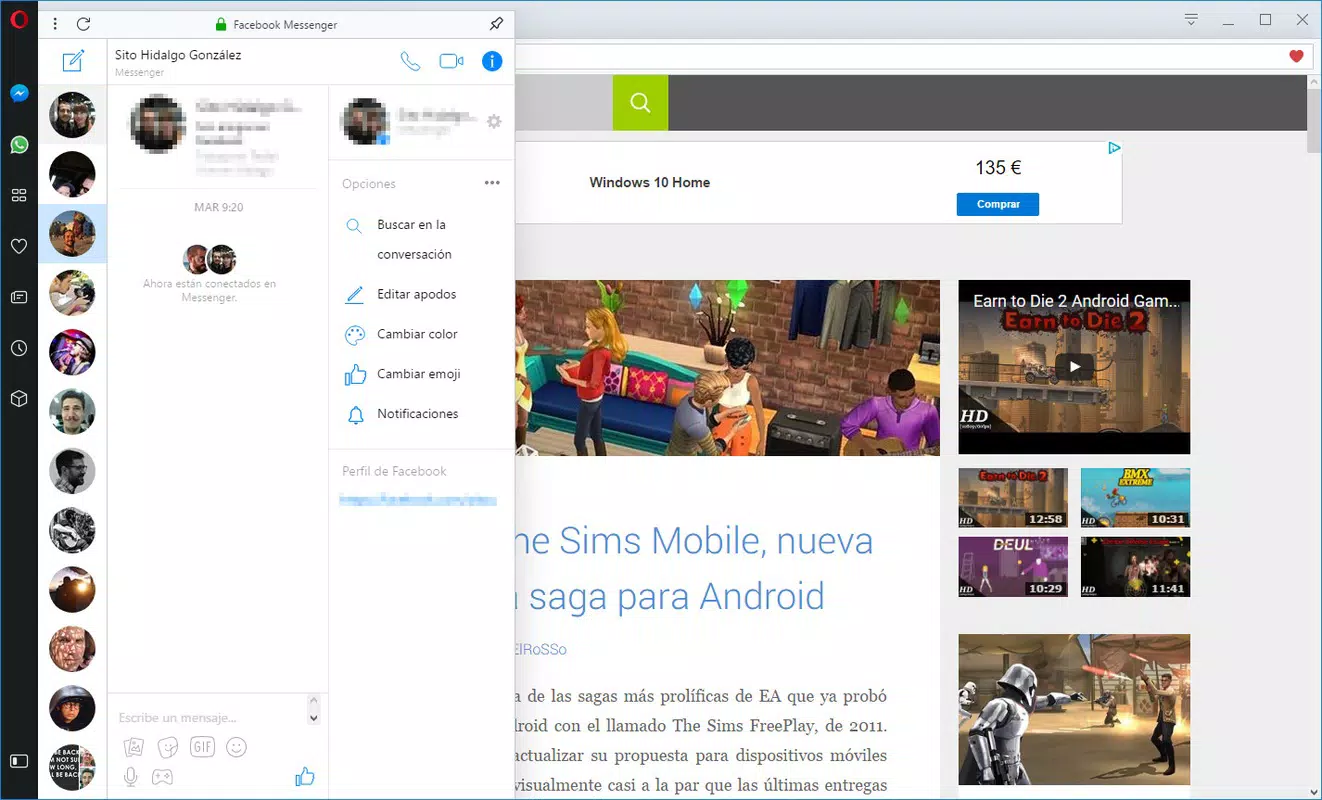
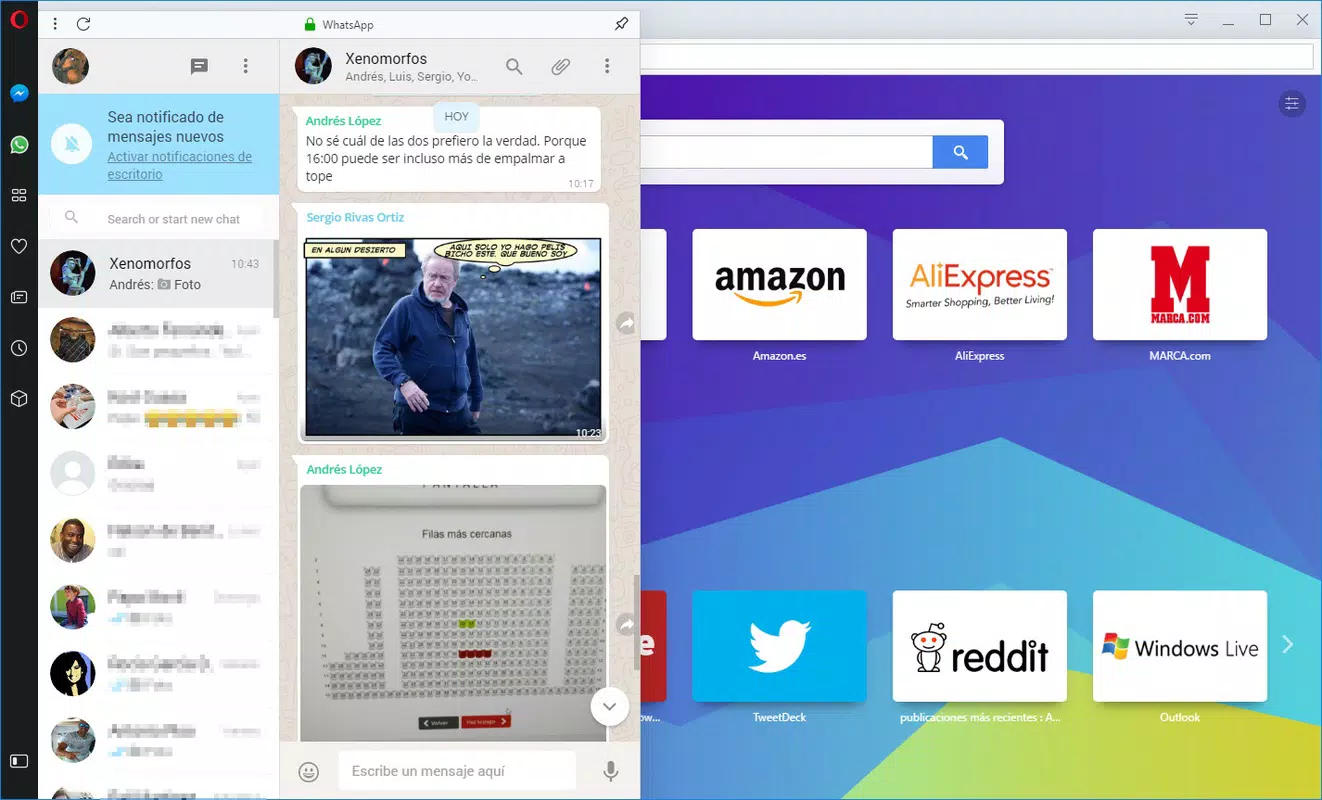
Opera addresses common pain points such as slow load times, tab overload, and the need for seamless cross-device access. Its integrated features—such as cloud sync, built-in news reader, and Bittorrent download support—help users stay informed, connected, and efficient. Real-world use cases include students researching online, remote workers managing multiple tasks, and media consumers downloading large files quickly. The browser also supports popular messaging platforms like WhatsApp, Telegram, and Facebook Messenger through web clients, enhancing its utility as a unified communication tool.
Developed by Opera Software ASA, a company with a long-standing presence in the browser market, Opera has evolved into a competitive alternative to mainstream browsers. The developer did not provide additional technical details about the development roadmap or internal architecture. However, its consistent updates and feature integration reflect a commitment to user-centric innovation. In the broader app ecosystem, Opera stands out as a productivity-enhancing utility that balances performance with advanced functionality.
Key Features & Functionality
- Bittorrent Download Support – Allows users to download large files directly from torrent links without requiring third-party software, ideal for media and software downloads.
- Cloud Sync Across Devices – Enables seamless access to bookmarks, history, passwords, and open tabs across smartphones, tablets, and desktops.
- Integrated News Reader – Provides curated news content from trusted sources, allowing users to stay updated without opening multiple websites.
- Visual Tab Management – Offers thumbnail previews of open tabs, improving navigation and reducing tab confusion.
- Privacy-Focused Browsing – Includes built-in ad and tracker blockers to enhance security and reduce data usage.
- Voice and Keyboard Controls – Supports voice commands for navigation, search, and tab management, offering hands-free browsing convenience.
- Site Annotation Tool – Lets users save notes directly on web pages for future reference, useful for research and content tracking.
- Customizable Themes – Allows users to personalize the browser’s appearance with a range of visual themes.
These features translate into tangible benefits. For example, students can use the news reader to track current events while annotating research pages. Remote workers benefit from cloud sync to continue tasks across devices.
Power users can leverage Bittorrent support to download large educational or software files efficiently. The visual tab system helps users manage multiple projects without losing track of open pages. Each function is designed to reduce friction and increase browsing efficiency.
Interface, UX & Performance
Opera features a clean, modern interface with a minimalist design that emphasizes usability. The layout prioritizes accessibility, placing essential tools—such as the address bar, tab switcher, and menu—within intuitive reach. Navigation is streamlined, with a bottom navigation bar on mobile devices and a consistent tab layout that supports quick switching via thumbnails.
The visual tab previews are a standout UX element, allowing users to instantly identify open pages without opening them. Voice and keyboard controls further enhance accessibility, particularly for users with limited mobility or those multitasking. The browser’s responsiveness is consistent across a range of device categories, though specific performance benchmarks were not provided by the developer.
Although the developer did not list formal performance metrics, the latest version has been optimized for speed, with reported improvements in load times and rendering efficiency. Stability appears to be maintained across regular use, with no widespread reports of crashes or freezes. Users can expect smooth operation during extended browsing sessions, especially when managing multiple tabs or downloading large files.
Platform Compatibility & Technical Requirements
Opera is available on both Android and iOS platforms, ensuring broad accessibility across major mobile ecosystems. The current version is 107.3.2463.1141, with a file size of 145.3 MB. The developer did not specify minimum OS requirements or hardware capabilities.
Compatibility information was not fully disclosed, so users should verify system compatibility through their respective app stores. The app is designed to function on standard smartphones and tablets, though specific device limitations were not listed. Users should ensure their device meets the general requirements for running modern web browsers, including sufficient RAM and storage space.
Pros and Cons
- Free to download and use with no in-app purchases
- Fast browsing performance with optimized rendering engine
- Unique Bittorrent download functionality not found in most mobile browsers
- Seamless cloud sync across devices
- Integrated news reader for real-time updates
- Visual tab previews improve navigation efficiency
- Supports voice and keyboard controls for enhanced accessibility
- Customizable interface with themes and layout options
- File size may be larger than average for a browser
- Some advanced features may require additional setup or user familiarity
- Specific technical requirements were not disclosed
- Availability on certain older devices may be limited
- Privacy features are robust but not fully customizable in some regions
FAQ
Is Opera safe to download and use?
Yes, Opera is a secure mobile browser developed by a reputable company. It includes built-in ad and tracker blockers to protect user privacy.
Can I use Opera on both Android and iOS?
Yes, Opera is available for both Android and iOS devices. Users can install it from their respective app stores.
Does Opera support Bittorrent downloads on mobile?
Yes, Opera includes native Bittorrent download support, allowing users to download files directly from torrent links.
How do I sync my data across devices?
Data such as bookmarks, history, and open tabs can be synced across devices using the cloud sync feature, which requires a user account.
Is Opera free to use?
Yes, Opera is completely free to download and use. There are no hidden fees or premium subscriptions required for core features.
Final Thoughts
Opera stands out as a powerful and feature-rich mobile browser that goes beyond basic web navigation. With its unique combination of speed, privacy, and utility—such as built-in torrent downloads, cloud sync, and a news reader—it offers a compelling alternative to standard browsers. The interface is intuitive, the performance is solid, and the customization options empower users to tailor their experience.
It is ideal for students, professionals, and media enthusiasts who demand more from their browsing tools. Whether you're managing multiple tabs, downloading large files, or staying informed, Opera delivers a cohesive and efficient experience. The developer’s commitment to innovation and user privacy reinforces its position as a top-tier mobile utility.
Download Opera now


